Meal photos · Pro
Capture meals and fresh food, then review what Pip finds before saving it.

 Pip
Pip
Everyday food, clearer patterns
Log everyday meals and see the nutrition patterns that build over time.
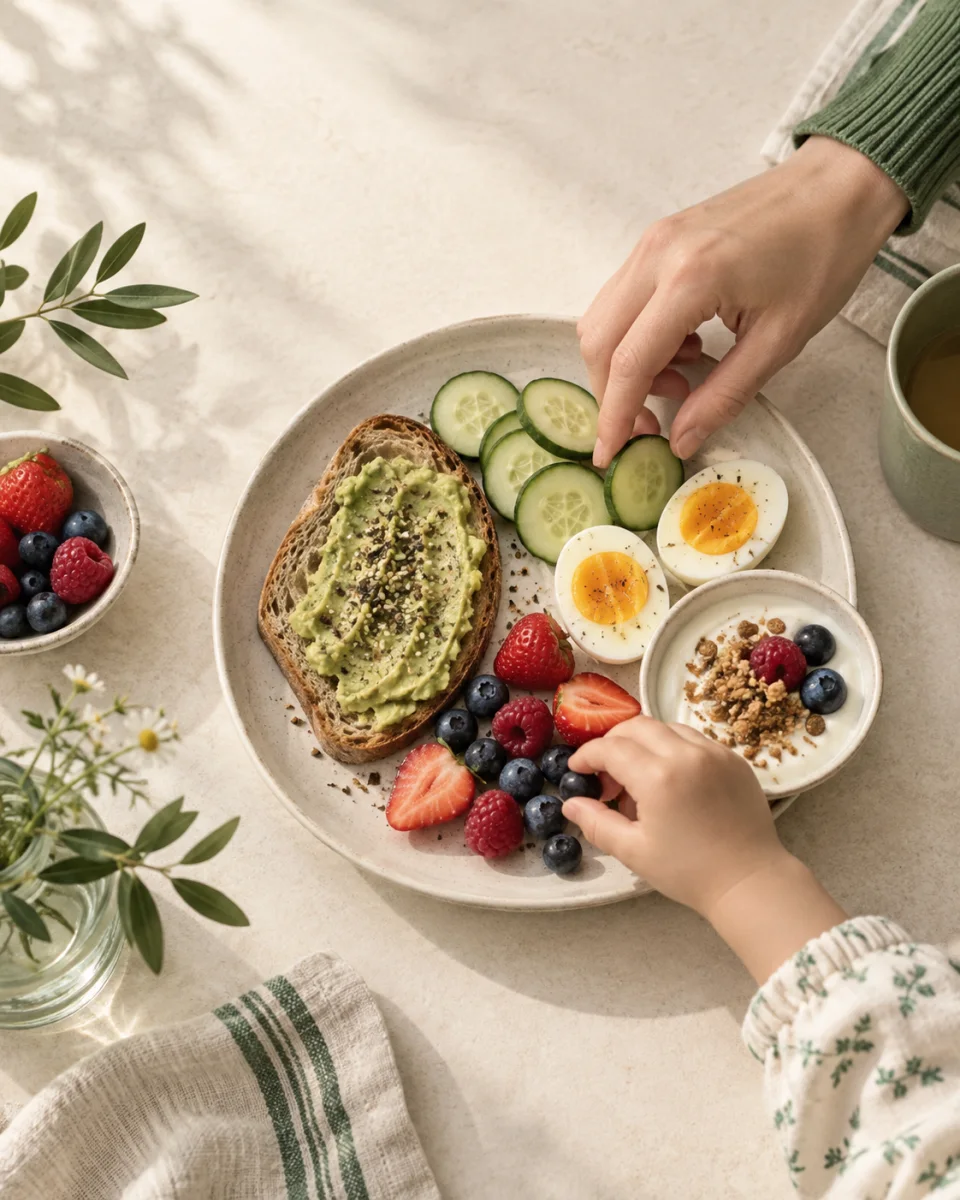

No spreadsheets and no weighing every bite. Use the quickest method for the meal in front of you.
Capture meals and fresh food, then review what Pip finds before saving it.
Look up packaged food without typing every detail.

Find a food or return to something you have logged before.

Free includes tracking for one child, barcode scanning, food search, manual logging, nutrition totals and history. Pip Pro adds meal-photo recognition, a dedicated Describe a meal tool, AI insights, and up to three child profiles. Review AI results before saving. No subscription is required for Free.
Pip organizes what you log, so one meal becomes part of a calmer, more useful view over time.
Start free with one child. Pip Pro includes up to three child profiles, each with their own food history and nutrition view.

Plain-language guides explain why nutrients matter, which foods provide them, and the daily reference amounts used for children.
Oxygen transport, growth, and practical food sources.
Read about iron
Dairy, nondairy choices, and age-based references.
Read about calcium
Natural and fortified sources, labels, and portions.
Read the new vitamin D guide
How Pip works, what it stores, and where its guidance stops.
Pip is an iPhone food and nutrition tracker for families. Track one child free with barcode lookup, food search, and manual entry. Pip Pro adds meal-photo recognition, meal descriptions, AI insights, and additional children. Pip organizes available nutrition data into daily totals, meal history, and weekly patterns.
No. Pip is designed for practical everyday logging. Record the foods and meals that are useful to you without weighing every ingredient or trying to capture every bite.
Yes. Free includes one child; Pip Pro includes up to three child profiles. Each child has a separate food history and nutrition view.
Family records are stored on your device. Google processes meal photos, meal descriptions, and nutrition summaries including dietary restrictions.
No. Pip shows patterns based on the foods you log and the nutrition data available for those foods. It does not diagnose deficiencies or provide medical or dietary advice. Ask a pediatric clinician or registered dietitian about individual concerns.
Pip is available for iPhone on the App Store. Android availability has not been announced.

Your family records live on your device. Google processes meal photos, meal descriptions, and nutrition summaries including dietary restrictions.